Projects List
On the main page of RouteVN Creator, you will see a list of all projects You can either create a new project or import an existing project
Create a Project
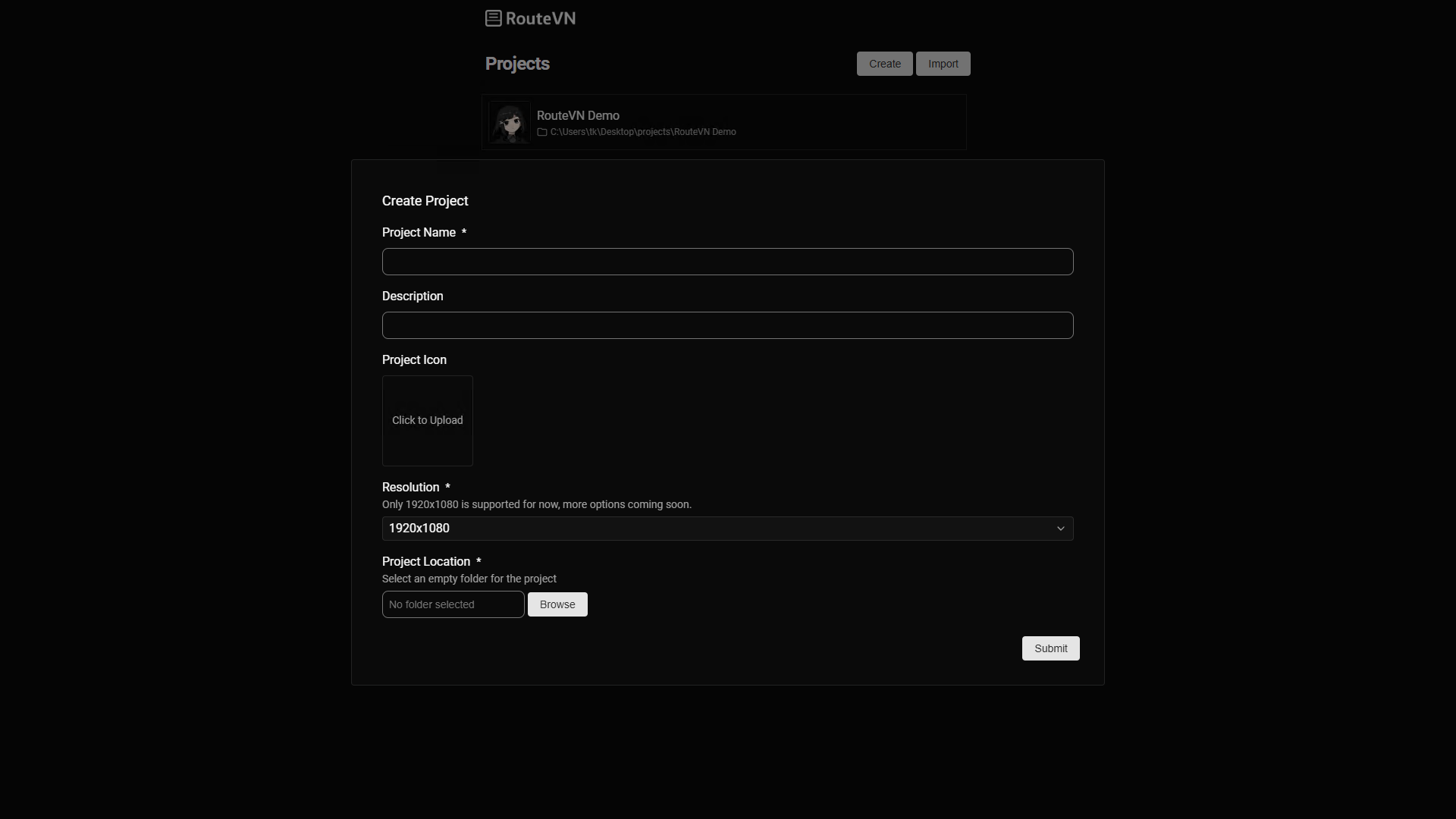
Click the create a project
The following fields are required:
- Project name (required)
- Project description
- Resolution: Screen resolution
- Icon: A square image
- Folder path (required): Create first and empty folder and select the empty folder
Resolution
Screen resolution is a very consequential decision because it will dictate the size of all images that you will be using
Changing resolution later is tricky because it means you will need to change all your images as well
Currently the only supported resolution is 1920 x 1080 (FHD)
We will be adding more cusotmizable resolutions in the near future
Folder path
The folder path must be empty. We assume that you manually create this folder first. All data for the project will be saved under this folder.
Removing a project
From the project list, you can right click a project, and then select Remove
Important Removing the project will only remove it from the list. If you want to delete the files, you have to delete the whole folder manually if you want them deleted
Importing a project
You can click the import button, and select a a folder path. After successful improt, the project will appear in the projects list.
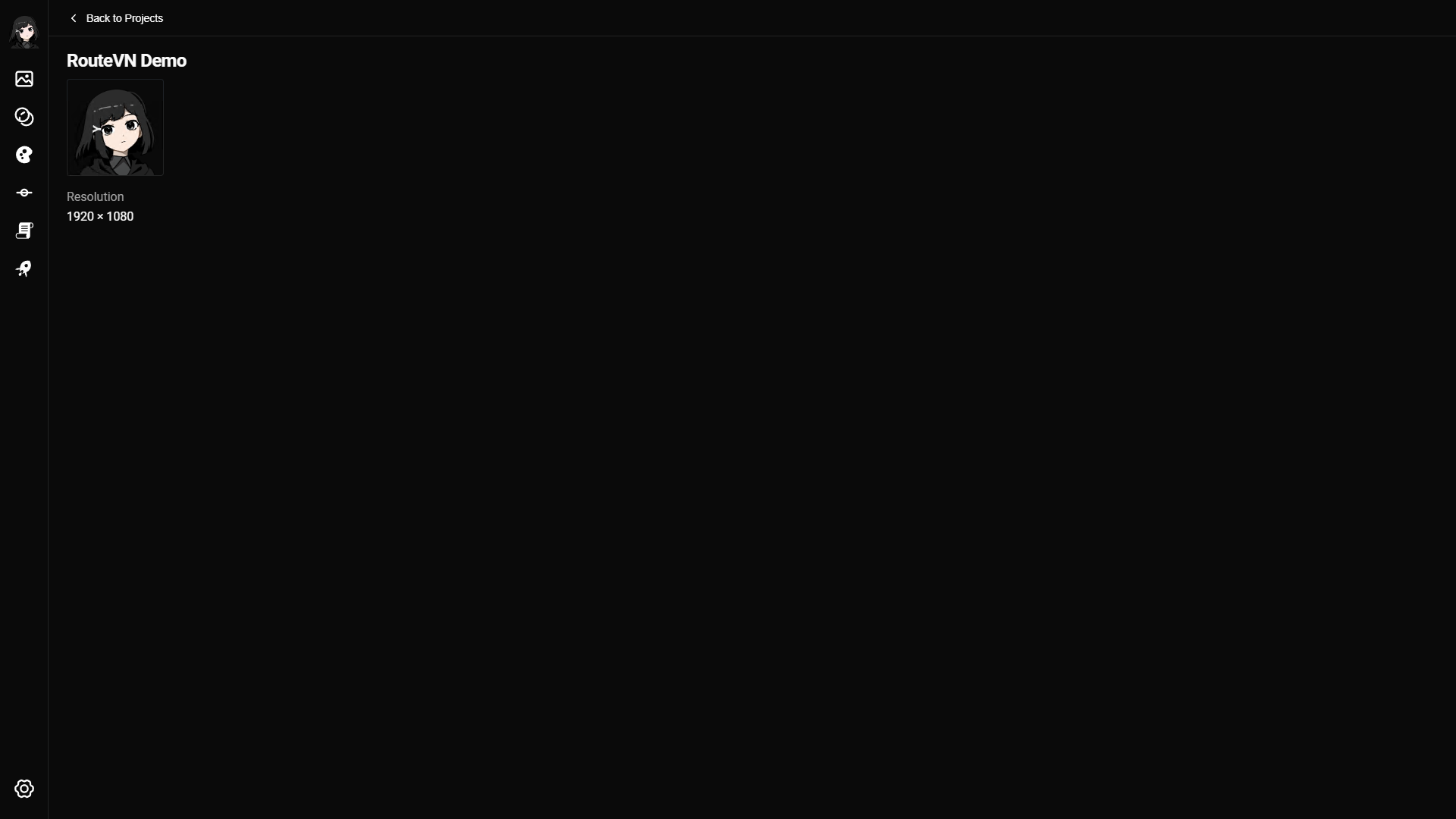
Project Details
In the project page you click at the title or other fields to edit.