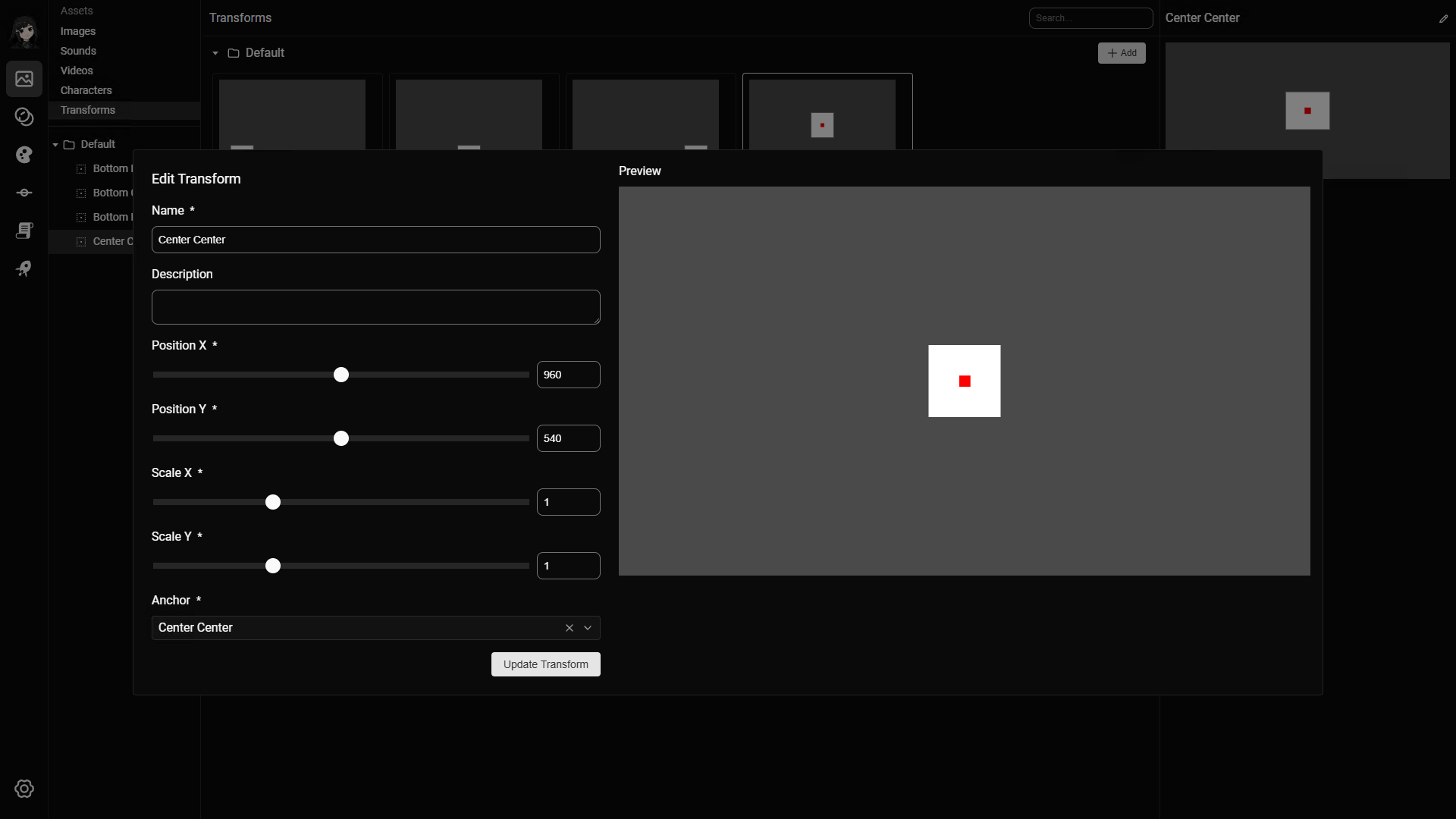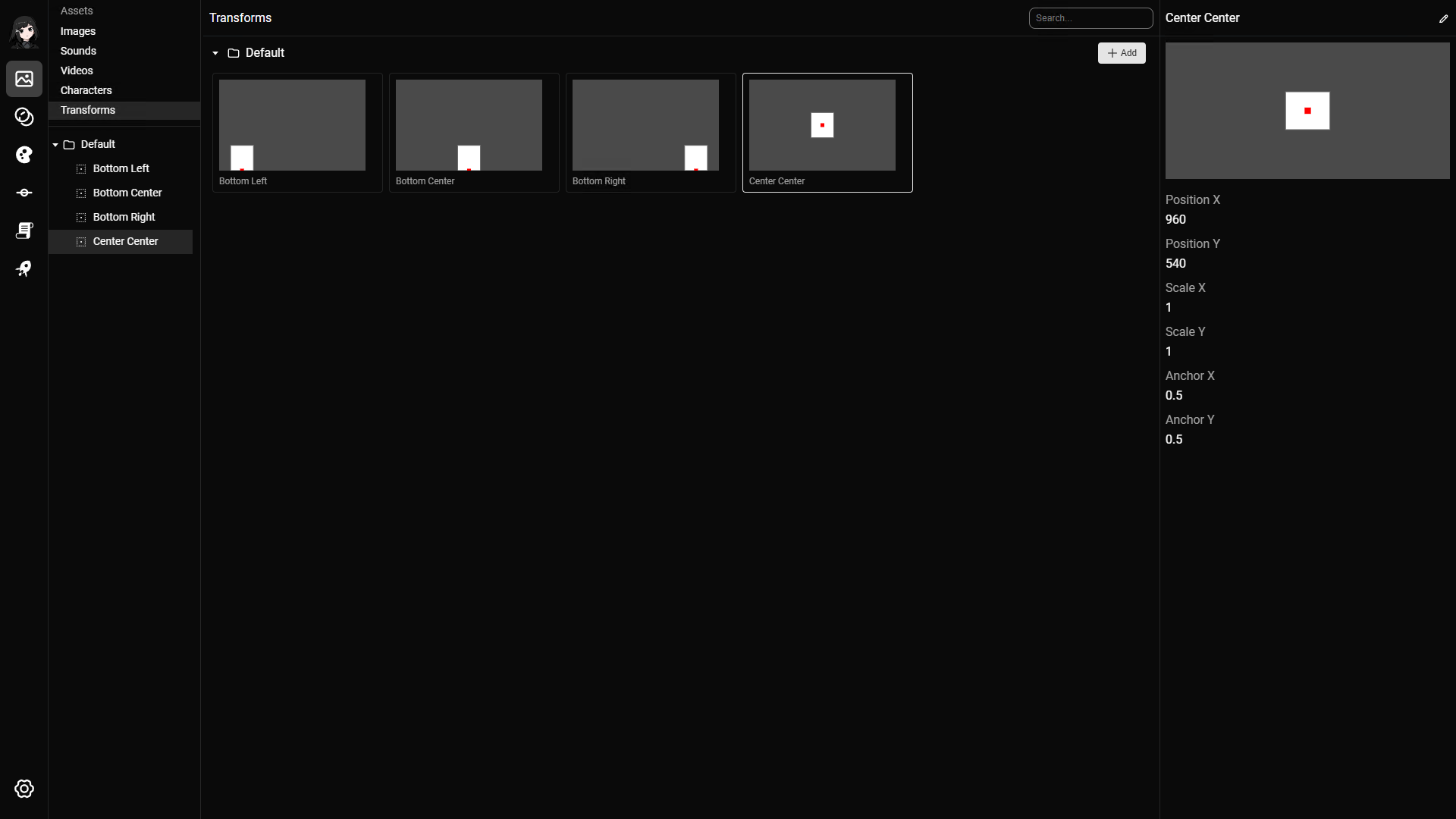
Use transforms to set position, scale, rotation, and opacity for scene elements. Commonly used for position of characters, background, or other visual assets. Defining transforms ensures consistency.
Supported properties
- Position X and Y
- Scale X and Y
- Anchor
Anchor
Anchor indicates where the image should be positioned relative to the position. 9 values are supported:
- Top left
- Top center
- Top right
- Center left
- Center
- Center right
- Bottom left
- Bottom center
- Bottom right
Creating a transform
- A transform requires at least 1 property
- The preview will appear right side of the editor