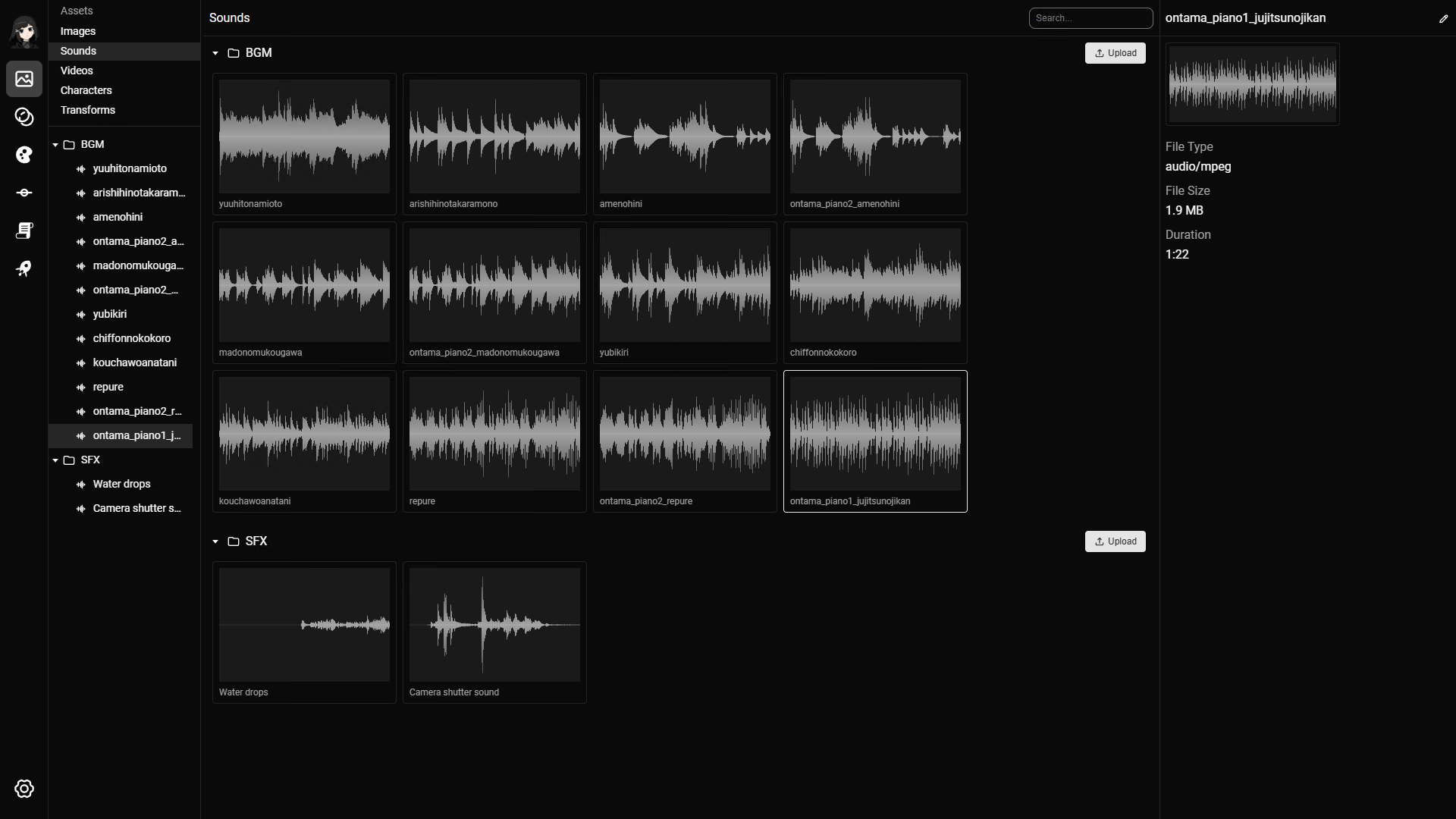
On this page you can upload all sound files for your project. Common categories include BGM (Background music), and SFX (Sound effects).
Supported sound formats
The following file formats are supported:
mp3wavogg
Note: ogg is currently not supported on macOS.
Upload sounds
You can upload single or multiple sounds at once.
There are 2 ways to upload:
- Click the upload button and select one or more sounds.
- Drag and drop sound files directly into the area below the folder.
When you upload multiple sounds, RouteVN Creator uploads them one by one. This is usually fast, but it can take time for large batches. Stay on this page and keep the application open until the upload finishes.
Updating a sound
There is a significant difference between updating an existing sound and uploading a new one.
If a sound is already used in places such as BGM or sound effect line actions, replacing the sound updates those references automatically.
If you upload a new sound instead, you need to manually update the sound reference in each line action that uses it.
To update a sound:
- Select a sound.
- In the top right, click the sound name or edit icon.
- Click the sound file to upload a new one.
Navigating the page
File explorer
Read the File Explorer docs for general navigation.
Play a sound
- Double click a sound item to start playing it.
Usages
Sounds are used in the following places: